Ecommerce and product teams
You already have the product photography. Turning a listing image into a 3D model gives you a viewer customers can spin, an AR preview, or a base for renders in scenes you never physically shot.
Google Gemini can show interactive 3D simulations and create 3D-style images, but it does not directly export GLB, STL or OBJ files. Gemini 3D is an independent tool that turns your Gemini or Nano Banana image into a downloadable mesh, with a fast Preview tier before you pay for a textured model.
One clear subject converts far better than a busy scene. A prompt does not steer this mode.
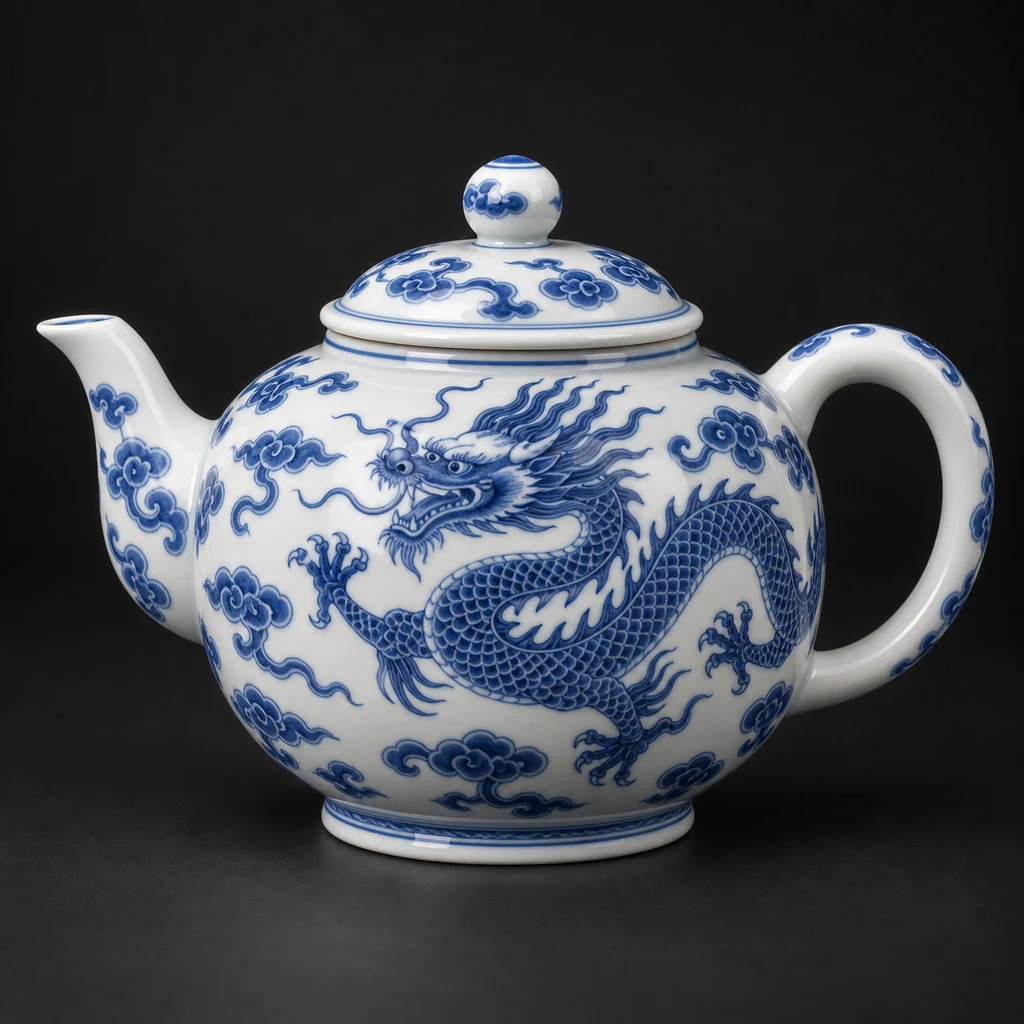
Made from this photo · Textured tier
Measured: 115s · 200,000 faces · textured · 6.4 MB
Your own result lands right here, in this viewer.
No install, no waitlist. Gemini 3D runs in the browser and includes two free preview runs.
Upload a photo for image to 3D, or write a prompt and generate a reference here first. One clear view of the object works better than a busy scene — the reconstruction follows what it can see.

Choose a face count for the mesh and whether you want it textured or as bare geometry. Triangles or quads, 40,000 faces or a million and a half — these are the two decisions that change what you get back.

Reconstruction takes a couple of minutes, so start it and go do something else. What comes back is a standard GLB you can open in Blender, drop into an engine, or take to a slicer for 3D printing.

Make the image, then the mesh
Gemini 3D is a browser-based 3D model generator. You give it a photo or a written prompt, and it returns a downloadable mesh — a GLB file with real geometry and, on the textured tiers, UVs and a base colour map. Image to 3D is the path most people want: you already have a product shot, a concept sketch or a render, and you need it as an object rather than a picture. Text to 3D covers the other case, when nothing exists yet.
Where this site differs from the other 3D model generators is the step before the mesh. Every image to 3D tool assumes you arrive with a picture; if you do not have one, you leave and go find one. Gemini 3D keeps an image generator in the same session, so a prompt becomes a reference image and that image becomes a mesh without changing tabs. The 3D stage stays the product — image generation is the on-ramp to it, not a second product.
The people who get the most out of a 3D model generator are the ones who need an object today and cannot spend an afternoon modelling it. Below are the four workflows where image to 3D pays for itself fastest.
You already have the product photography. Turning a listing image into a 3D model gives you a viewer customers can spin, an AR preview, or a base for renders in scenes you never physically shot.
Block out a scene with real objects instead of grey boxes. Set a low face count and take the bare geometry when you plan to retopologise anyway — the reconstruction saves the silhouette work, you keep control of the topology.
A photo of a part, a toy or a prop becomes a mesh you can take to a slicer. Push the face count up when the surface detail matters, and remember to check wall thickness and watertightness before you print — reconstruction optimises for looks, not for printability.
GLB is the format web viewers and AR quicklooks already speak, so output drops straight into model-viewer, three.js or a scene graph. Set a modest face count and the textured tier gives you something shippable without a modelling pass.
A cross-section of what reconstructs cleanly: product shots, detailed creatures, character references, scene props and collectible figures.
Showing 7 of 7 examples
Reference examples — illustrative only. These are not renders produced by this site’s pipeline.
Ask for 40,000 triangles or 1.5 million and you get what you asked for — a 100,000-face request came back with exactly 100,000 triangles in our own tests. That matters when the mesh has a budget to hit: a game asset, a web viewer, a 3D printing slicer.
Measured on our own run: 100,000 faces requested, 100,000 delivered.
Output is GLB — glTF 2.0 binary, the format Blender, Unity, Unreal, Godot and every web viewer already read. The textured tiers carry UVs and a base colour map, so the mesh arrives shaded rather than as a grey blob you have to unwrap yourself.
Pick the textured tier when the model has to look finished, or bare geometry when you are going to retopologise and texture it yourself and would rather not pay for a map you will throw away. Same reconstruction either way — the difference is what ships with it.
No reference to work from? Describe the object and Gemini 3D builds it from the prompt alone. Useful for blocking out a scene, filling a placeholder or exploring a silhouette before committing to a look.
Upload a photo and Gemini 3D reconstructs the object as real geometry rather than a relief or a billboard. A single well-lit product shot is usually enough — the same picture to 3D workflow works for PNG, JPG, renders and clean product photography.
Start on the free credits that come with a Google sign-in, then pick a plan. Every option states how many finished textured models it buys, how many preview runs, and what that works out to per model — so you can do the arithmetic before paying, not after.
Choose Subscription Plan
Perfect for individuals and light users
Billed monthly
INCLUDES
For professional creators and teams
Billed monthly
INCLUDES
Designed for large enterprises and professional studios
Billed monthly
INCLUDES
To cancel your subscription, please contact support: support@gemini3d.net
The questions people ask before their first model.
Start with two free bare-geometry preview runs. Bring a photo or write a prompt, set a face count, and download a GLB — no card, no install, no queue.
Generate a 3D Model Free