Describe an object and turn the text into 3D
Write a concrete object description, choose a mesh tier, and receive a rotatable GLB model. Use the fast preview before spending more credits on texture.
Gemini 3D is an independent brand and is not affiliated with Google. Text-to-3D generation uses the Hunyuan3D tiers listed in the generator.
0/1024
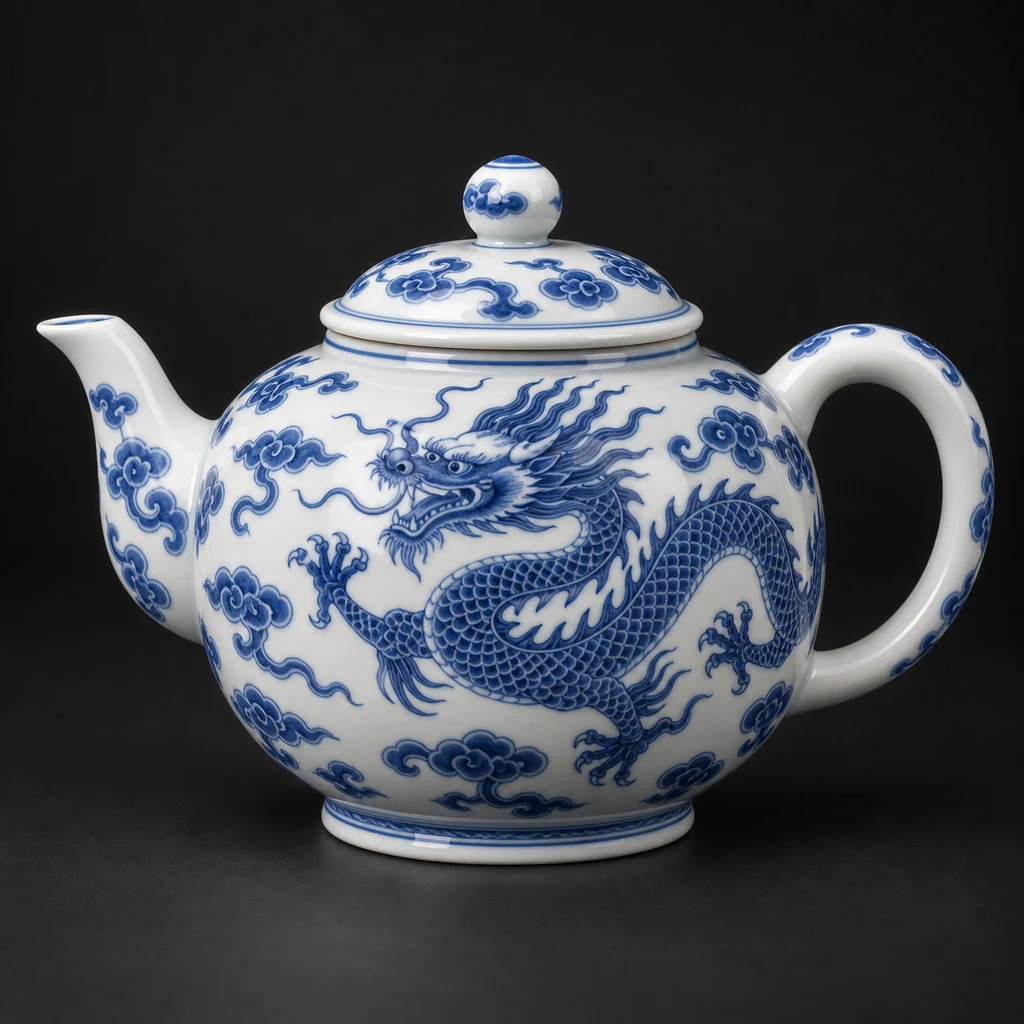
Made from this photo · Textured tier
Measured: 115s · 200,000 faces · textured · 6.4 MB
Your own result lands right here, in this viewer.
- Format
- GLB (glTF 2.0)
- Opens in
- Blender, Unity, Unreal
- Face count
- Yours, 40K – 1.5M
- Preview run
- ~35s, 6 credits
How does Gemini text to 3D work?
Gemini text to 3D converts a written object brief into a mesh. A useful prompt describes the subject, major parts, proportions, materials, pose, and exclusions. The result is a GLB you can refine in a 3D editor.
Text-to-3D limits and output
- Prompt
- Up to 200 characters on Preview
- Full tiers
- Up to 1,024 characters
- Output
- Downloadable GLB (glTF 2.0)
- Mesh range
- 40K–1.5M requested faces on Textured
How to write a useful text-to-3D prompt
Describe geometry first; style words cannot rescue an ambiguous shape.
- 1
Name one object
Start with a single subject and its purpose: chair, robot, planter, vehicle, or prop.
- 2
Describe construction
Add major parts, proportions, pose, materials, surface character, and support.
- 3
Preview before texture
Check silhouette and part placement with Preview, then repeat on Textured.
Good text-to-3D prompt categories
Single props
Tools, furniture, containers, and game pickups have clear object boundaries.
Stylized creatures
State body plan, pose, limb count, proportions, and mouth state.
Concept vehicles
Describe wheel count, cabin shape, major panels, and ground contact.
Improve the next step
Use an image reference insteadOpen the result in BlenderCompare tiers and credits
Gemini text to 3D FAQ
Is this an official Gemini text-to-3D model?
No. Gemini 3D is an independent site. The generator uses the displayed Hunyuan3D tiers.
What should a text-to-3D prompt include?
Include the object, major parts, proportions, pose, materials, base, and exclusions.
Why is the Preview prompt shorter?
The rapid provider endpoint has a measured hard limit of 200 characters; full tiers accept 1,024.
Can I control polygon count?
Textured exposes a 40K–1.5M requested range. Preview is fixed, and LowPoly ignores the control.
Can I export STL or OBJ?
The measured output is GLB. Open it in Blender to convert or prepare another format.
Generate a 3D model from text
Describe one object clearly and validate its silhouette with Preview.