Turn a Nano Banana image into a 3D model
Bring a Nano Banana image into an independent image-to-3D workflow. Upload the reference, select a reconstruction tier, rotate the mesh online, and download the GLB.
Gemini 3D is not a Google product. “Nano Banana” describes the image source; this site uses the Hunyuan3D reconstruction tiers shown in the generator.
One clear subject converts far better than a busy scene. A prompt does not steer this mode.
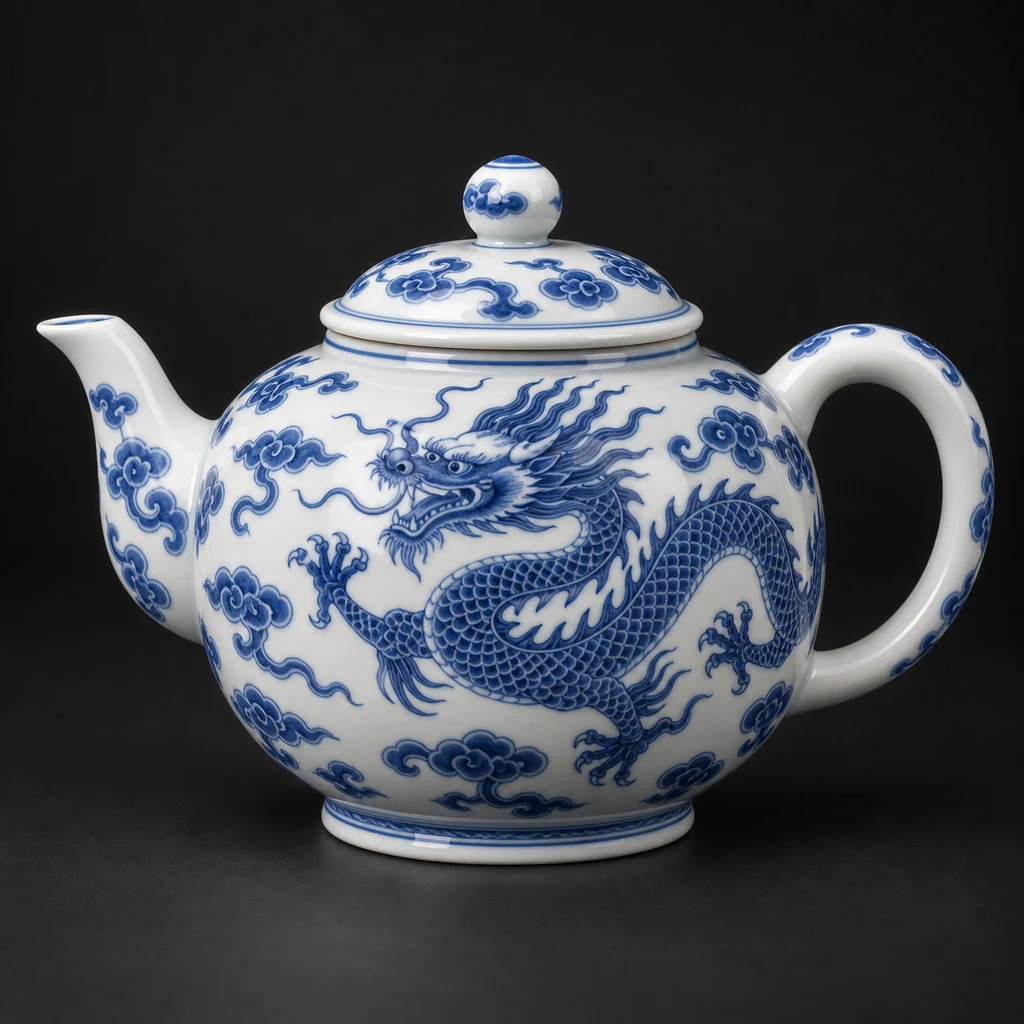
Made from this photo · Textured tier
Measured: 115s · 200,000 faces · textured · 6.4 MB
Your own result lands right here, in this viewer.
- Format
- GLB (glTF 2.0)
- Opens in
- Blender, Unity, Unreal
- Face count
- Yours, 40K – 1.5M
- Preview run
- ~35s, 6 credits
What is a Nano Banana 3D workflow?
A Nano Banana 3D workflow turns a generated or edited 2D reference into a separate 3D asset. The image supplies appearance and silhouette cues; the reconstruction model estimates geometry and packages it as a GLB.
Nano Banana 3D pipeline
- Reference
- JPG, PNG, or WebP · up to 10 MB
- Mesh
- GLB for Blender, Unity, and Unreal
- Fast check
- ~35 seconds · no texture
- Finished tier
- Textured mesh · 100 credits
How to make a Nano Banana image 3D-ready
Compose the reference like a clean product turntable frame.
- 1
Create a clear reference
Show one object, keep the whole silhouette in frame, and avoid hiding important edges.
- 2
Upload and select a tier
Run Preview first when the shape is uncertain; move to Textured after it looks right.
- 3
Review the unseen sides
Rotate the mesh and check the back, base, thin parts, and contact points.
Useful Nano Banana 3D starting points
Characters and creatures
Use a neutral pose with separated limbs and a readable outline.
Props and collectibles
Front three-quarter views reveal more form than a flat head-on image.
Packaging concepts
Keep labels simple and refine exact typography after reconstruction.
Related 3D tools
Nano Banana 3D FAQ
Is Nano Banana 3D an official Google feature?
This page is an independent conversion workflow and is not affiliated with Google.
Which model makes the 3D mesh?
The selectable Hunyuan3D tier makes the mesh. Nano Banana is the source-image workflow.
Should I remove the background first?
A simple or transparent background usually gives the object outline clearer separation.
Can the output be textured?
Yes. Choose Textured or LowPoly. The fast Preview tier intentionally has no texture.
What if the back looks wrong?
Use a reference that exposes more side and top surfaces, then rerun a preview.
Build a Nano Banana 3D asset
Upload one clear reference and validate the shape with Preview first.